Introducing Tempi v3

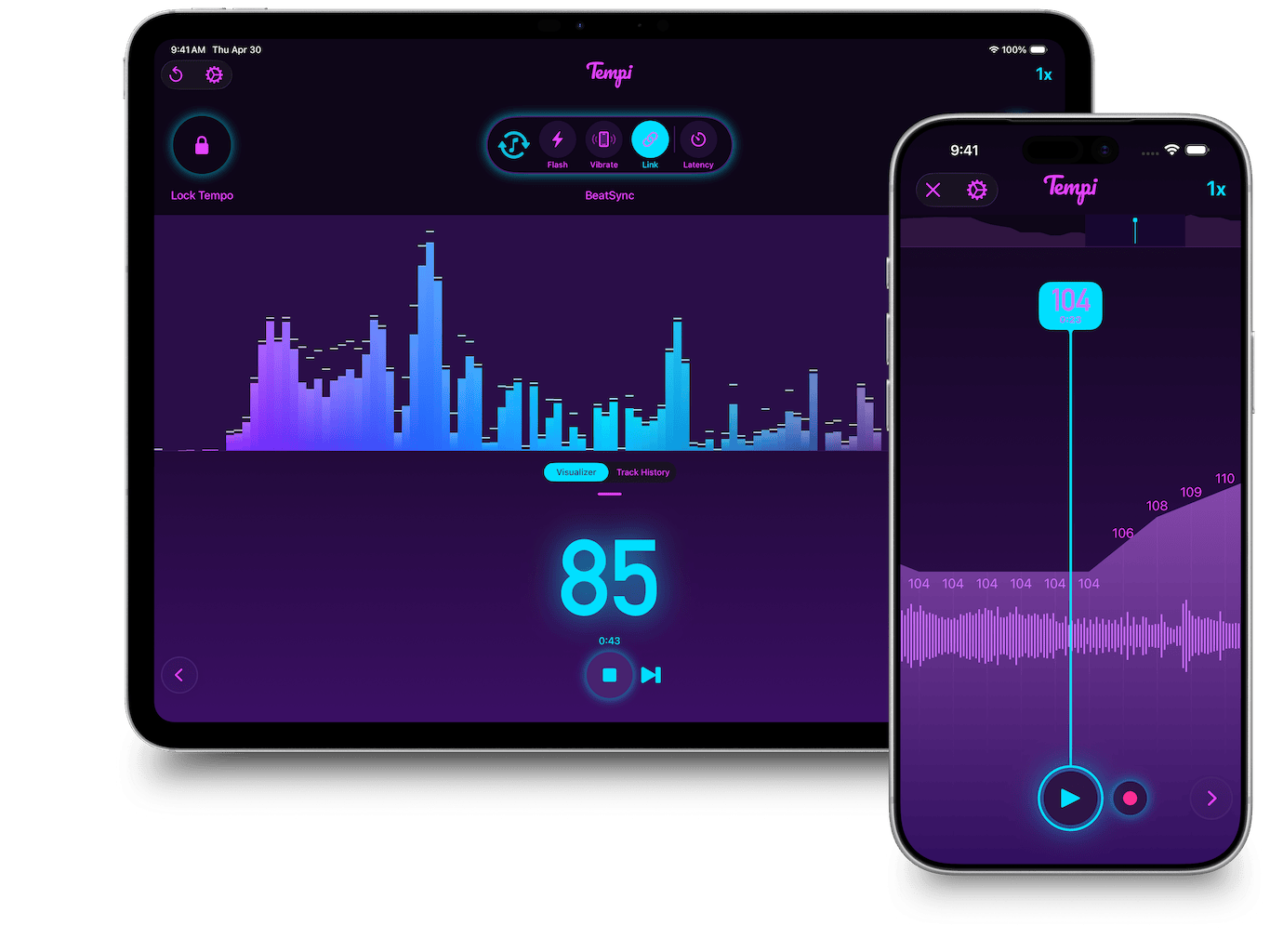
I’ve been a guitarist most of my life, and I’ve been working on Tempi for over ten years. It started as a small tool I built for myself and other musicians who wanted to know if they were drifting against the pocket, and over the years it grew into a serious BPM detector that I’m extremely proud of. Something interesting happened along the way, though: more and more of the people emailing me weren’t musicians, they were DJs and VJs. They were running Tempi next to a club PA, on top of a turntable booth, or tucked into a lighting console, and using it to help them pick the next track in a set.
Tempi v3 is my response to that shift. It keeps everything Tempi has always done well, and adds a whole new side of the app built around how DJs and VJs work. I think it’s now a serious tool for that crowd, and I’m excited to walk through what’s new.
DJ Mode
The biggest change in v3 is that Tempi now has two modes. The original screen, refined over many releases, is now called Musician mode. Alongside it lives DJ mode, an entirely new screen designed around the way a DJ thinks about a performance.
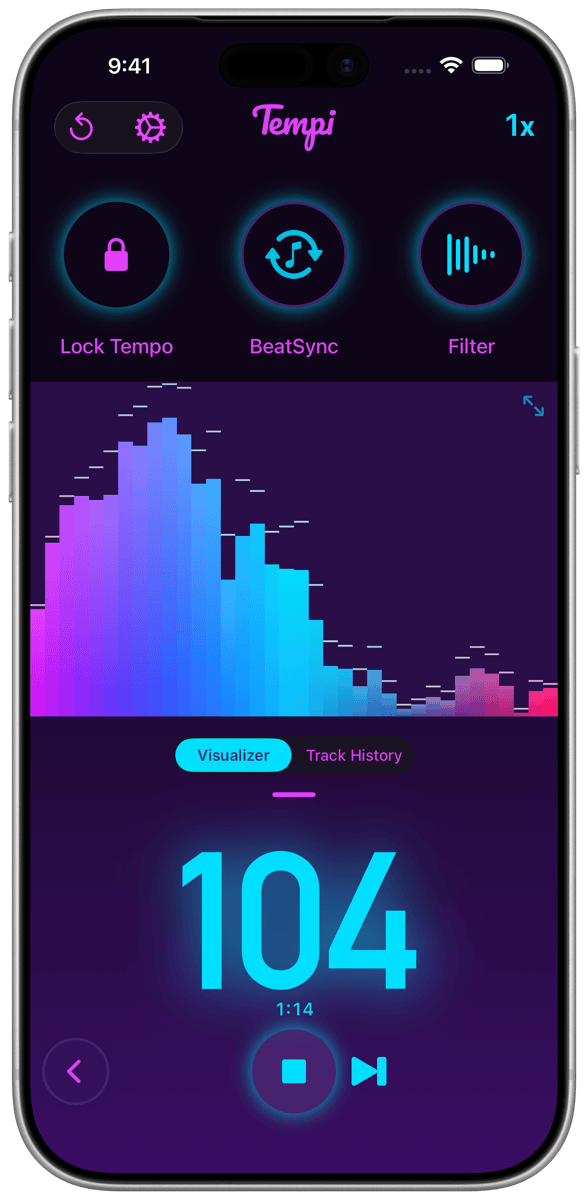
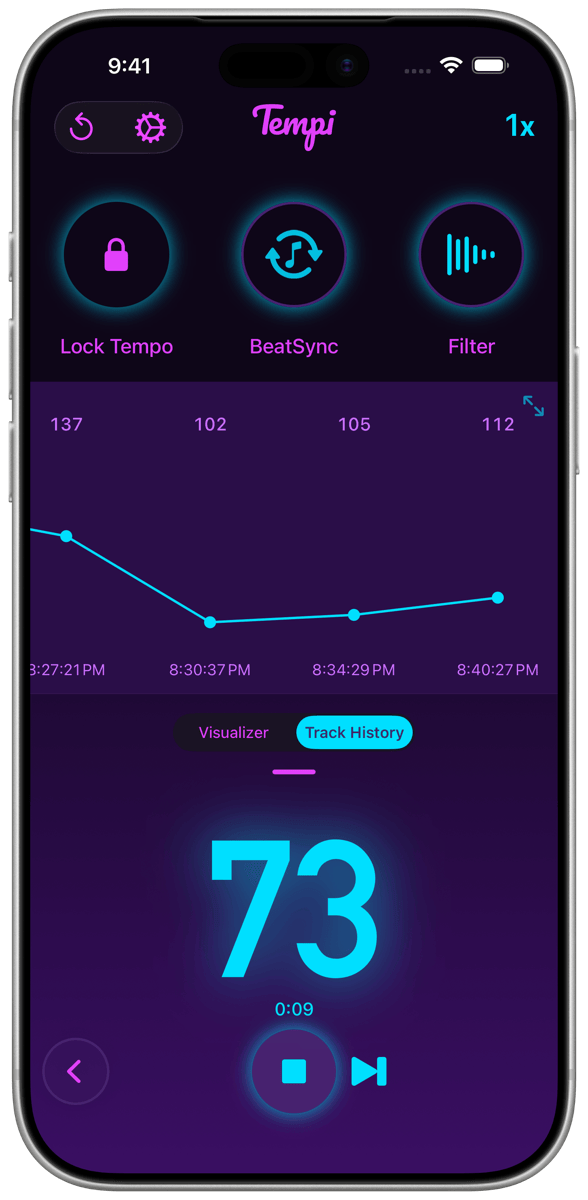
Where Musician mode is built around a single song or rehearsal session, DJ mode is built around a set: a sequence of tracks played back to back, often blending into each other. You can move between modes with the arrows on either side of the screen, and Tempi remembers which one you were in last time so the right environment is waiting for you when you launch the app.
DJ mode also exposes a few controls that don’t make as much sense in a musician context, like a Lock Tempo button that freezes the displayed BPM at the current value, and a quick toggle between low-pass and high-pass filtering for situations where bass is doing all the work, or none of it.
BeatSync
The headline feature of v3 is something I’m calling BeatSync, and as far as I know there isn’t another app that does anything like this.
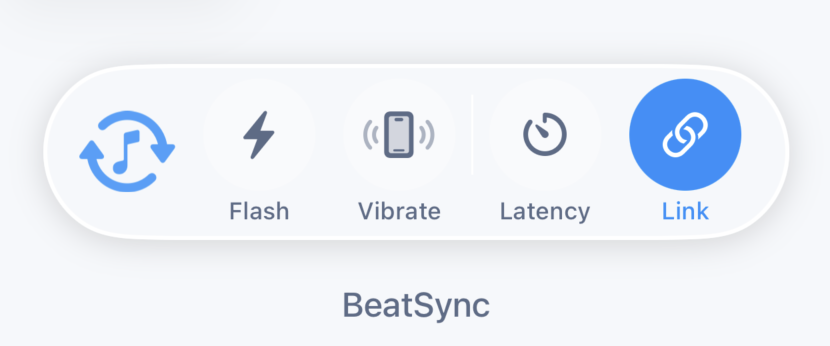
The idea is simple to describe and (I hope) interesting in practice. Whatever music Tempi can hear, BeatSync locks onto the beat and pushes that information out as actions: a screen flash, a device vibration, and most importantly, a live tempo broadcast over Ableton Link. Once that tempo is on the network, anything else that speaks Link can follow along. Tempi becomes the ears of your Link session, listening to audio that no other device in the room can hear (a club PA, a vinyl rig, a live band) and translating it into precise clock and phase data the rest of your gear can lock to.
That’s a small sentence with a lot of doors hiding behind it. Some of the ones I’ve been thinking about:
VJ apps synced to whatever’s playing
VJ apps like VDMX, Resolume, Arkestra, and GrandVJ all support Ableton Link. With Tempi running nearby, those apps can follow the actual room tempo without a single cable into the booth. There’s also AI VJ, a free Steam app that generates AI visuals and fractals on the fly. Because it speaks Link, it doesn’t even have to live on the same machine as the DJ software. Tempi can drive it wirelessly from across the room.
For the more experimental crowd, Tidal Cycles can pull tempo from a Link session too, which means Tempi can act as a master clock for live coded visuals at an installation or performance with no physical tie to the performer’s rig.
Hardware DJs joining the Link world
One of the longest-running gaps in the Link ecosystem is hardware that doesn’t support it. CDJs and turntables don’t broadcast Link, so any software that wants to follow them has to do its own listening. With BeatSync, a DJ playing on CDJs or vinyl can put a phone near the speakers and suddenly their tempo is in the Link session. Apps like djay Pro, VirtualDJ, Traktor, and Serato all support Link, so any of them can be a follower while Tempi handles the listening.
Lighting and DMX
Lighting rigs love a stable tempo. Tools like Beat Link Trigger, which bridges Pioneer DJ gear into lights, lasers, and DAWs, can be fed by Tempi when there’s no Pioneer hardware around. And smart lighting apps like Luminair or SoundSwitch can use BeatSync’s screen flash or vibration as manual cues when DMX software can’t hear the audio directly.
Live musicians joining a DJ set
If a keyboard player, drummer, or modular synth performer wants to sit in with a DJ set, they’ve traditionally needed a click track or a direct audio feed. With BeatSync on the network, their gear can follow whatever the DJ is playing automatically. Eurorack performers in particular have a lovely option here: Circuit Happy’s ML:2m module brings Ableton Link directly into a modular system, so a synth on stage can lock to the room just by being on the same Wi-Fi as Tempi.
A discreet click for in-ear monitors
A vocalist or instrumentalist performing over a DJ set can use BeatSync’s vibration as a quiet wrist or pocket metronome, perfectly synced to the live room, with no monitor feed required.
The thread running through all of this is the same: Tempi can be the listener that the rest of the Link session doesn’t have. If your ears can hear it, BeatSync can probably lock to it, and once it’s locked, the whole connected ecosystem can move together.
A track history for your set
DJ mode also includes a Track History graph: a running visualization of the average BPM of every track you’ve played in the current set. Tap the next track button when a new tune comes in, and Tempi adds a fresh segment to the graph with its own averaged BPM.
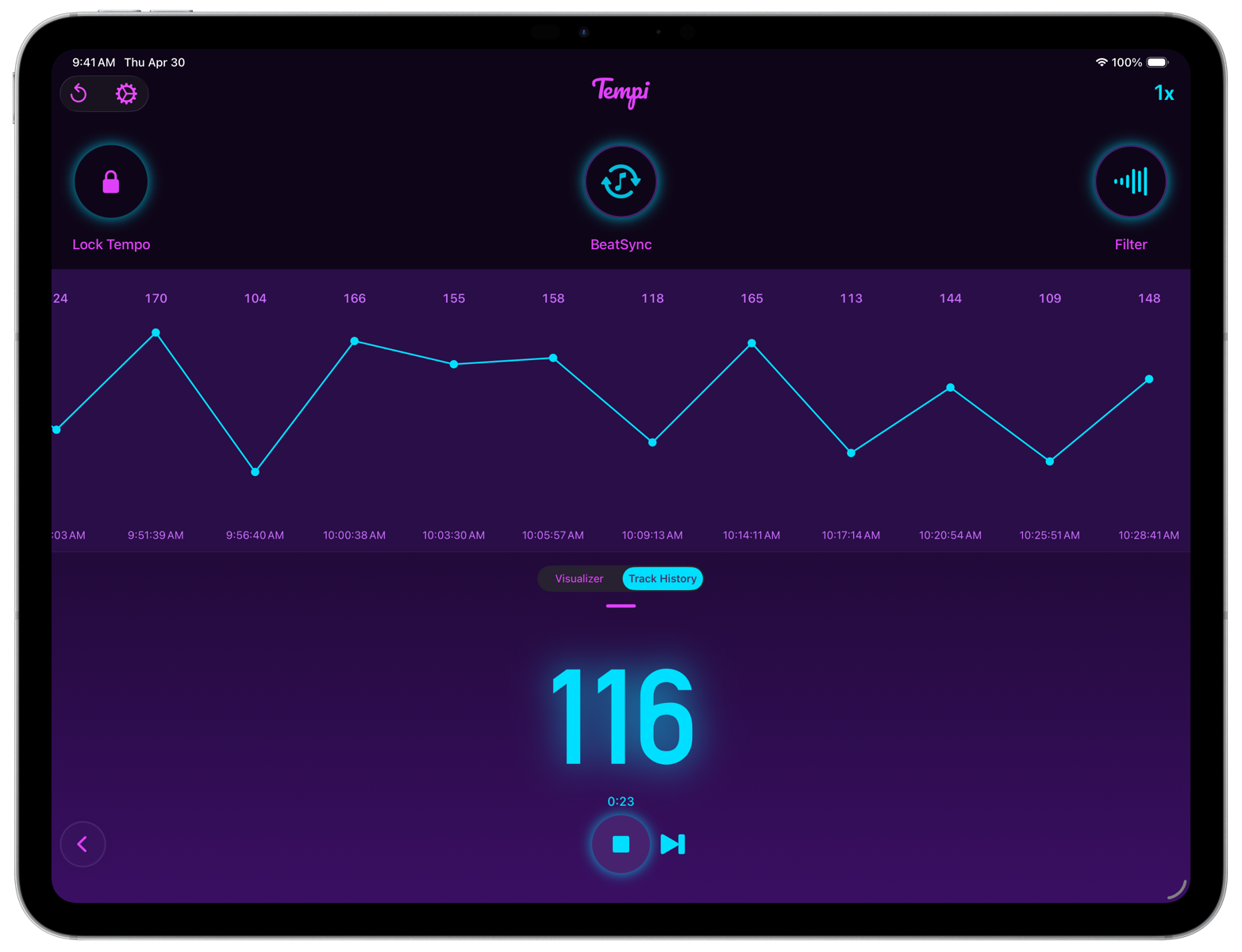
It’s a simple thing, but I’ve found it really useful for understanding the shape of a set after the fact: where the energy built, where it dropped, and how long you sat at any given tempo. It’s also fun to watch in real time during a long set.
A gorgeous audio visualizer
I’ve also added a full graphic EQ visualizer to DJ mode. It shows where the music’s energy is sitting across the spectrum, which is genuinely useful when you’re deciding whether to use the low-pass or high-pass filter for detection.
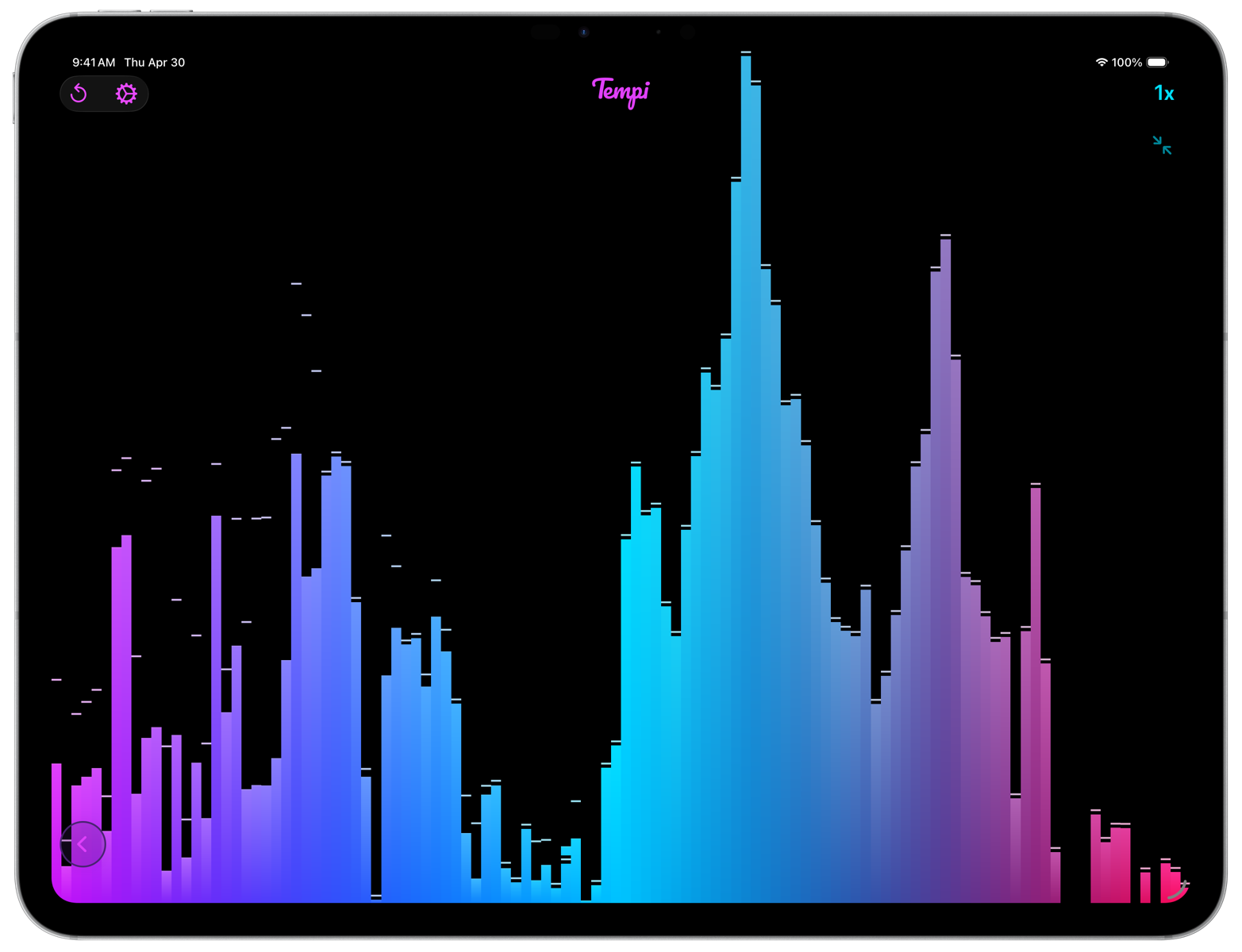
It also just looks really cool, so I gave it a full screen mode for the moments when you want to throw it on a second display or just let it run during a quiet stretch of the set.
BPM detection is faster and more robust
None of the new DJ features would matter if the BPM detection engine underneath didn’t work well. So a lot of the work in v3 went into the detector itself. Tempi’s BPM engine is faster and more accurate in this release than it’s ever been, across more genres and more difficult listening situations.
I also added a Responsiveness slider in Settings that lets you decide how the engine should behave. Slide it down and Tempi reacts more quickly, with a shorter warm-up before BPM values start appearing. Slide it up and Tempi takes a beat longer to commit, but rewards you with steadier, more reliable readings. Different rooms and different genres want different things here, and now you have the dial.
The new Club theme
Tempi has always shipped with several visual themes, including a couple aimed at low-light situations like night clubs. With v3, I wanted to give the DJ crowd a theme that felt like it belonged in a booth. The new Club theme is the result. It’s on the cover image of this post, and you’ll see it throughout the screenshots above. It’s dark, it’s legible at a glance, and it’s easy on the eyes.
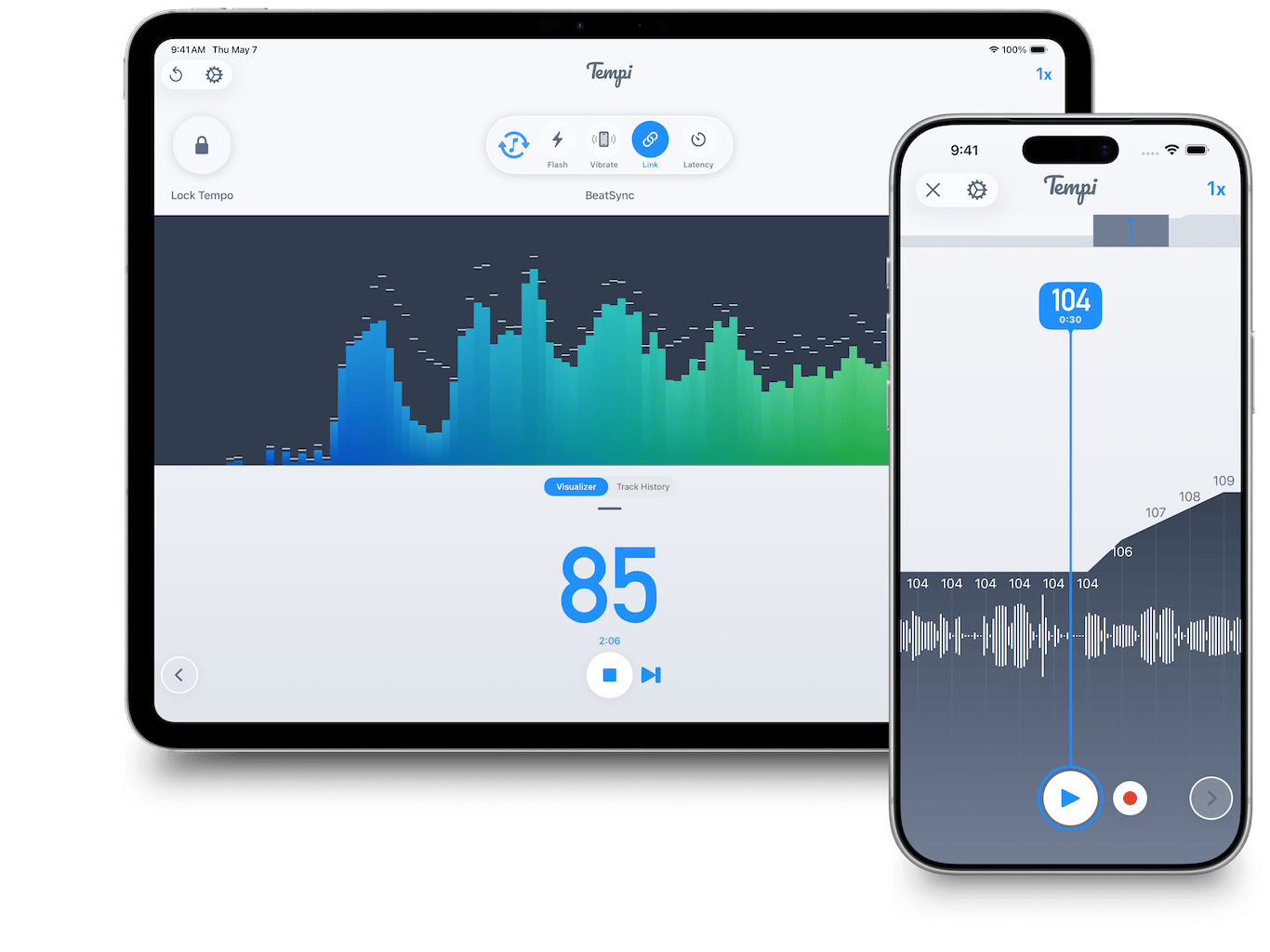
And of course, the Standard theme is still available if a clean aesthetic is more to your taste:
One more thing: the Vinyl theme
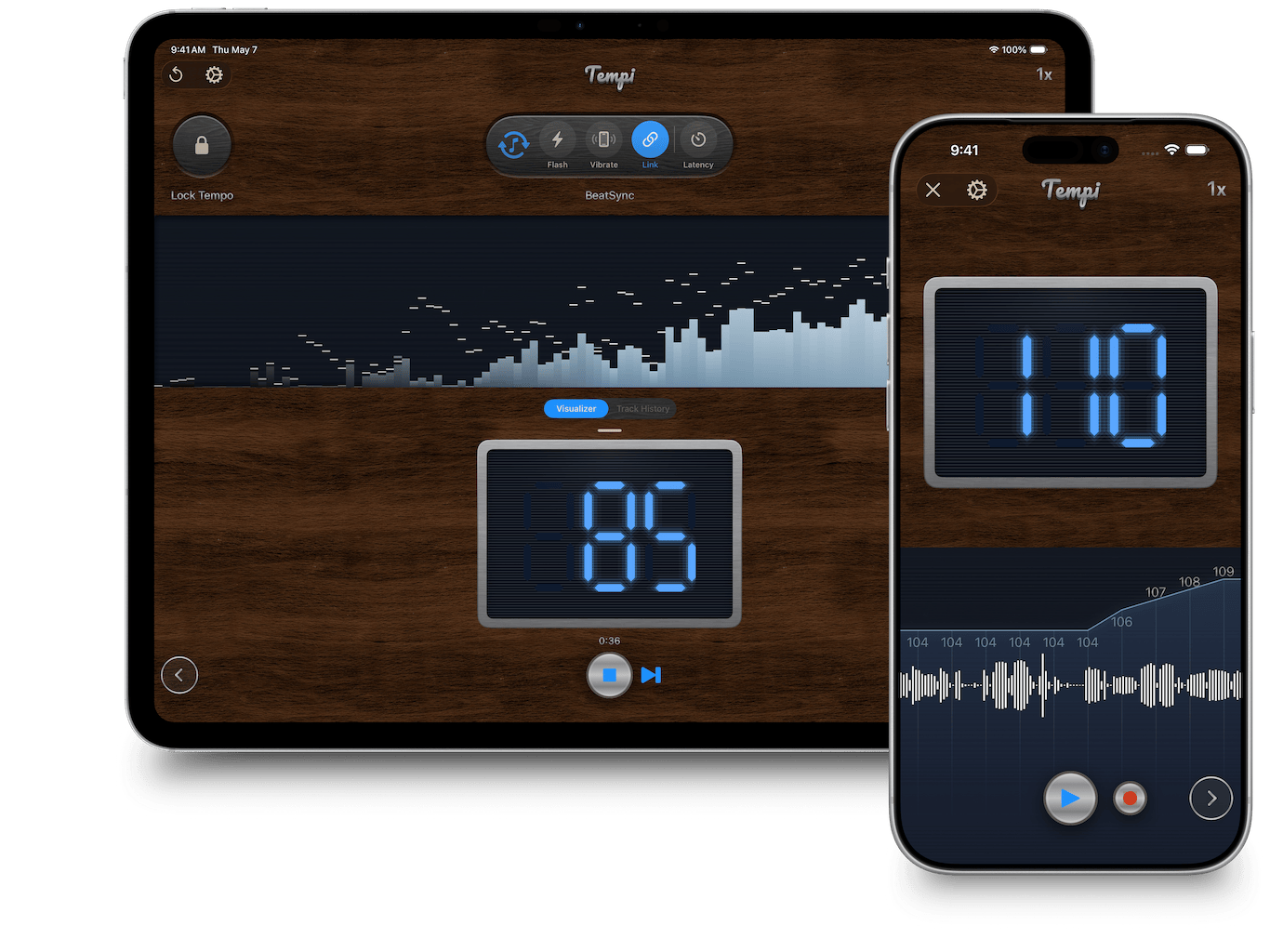
And lastly, I spent an unreasonable amount of time creating the first-ever skeuomorphic theme for Tempi. It’s called Vinyl and is meant to evoke the late 60s and early 70s aesthetic of vintage turntables: warm woods, brushed metal, and an old-school LCD screen.
Get Tempi v3
Tempi v3 is a free update for existing users and is available now on iPhone, iPad, and Mac. If you’re new to the app, you can grab it on the App Store, and the full User Guide covers all of the above in more detail.
If you’re a DJ, VJ, or live performer who tries BeatSync in the wild, I’d genuinely love to hear how you’re using it. This release exists because of the messages I’ve received over the years. Keep them coming!